



PPSpy: Master your dropshipping with Shopify analytics

Ever feel as though you are picking products, launching ads, and hoping for the best with only half the picture in front of you? That is the gap PPSpy tries to close, giving you Shopify analytics and store analysis that make product research feel far less random.
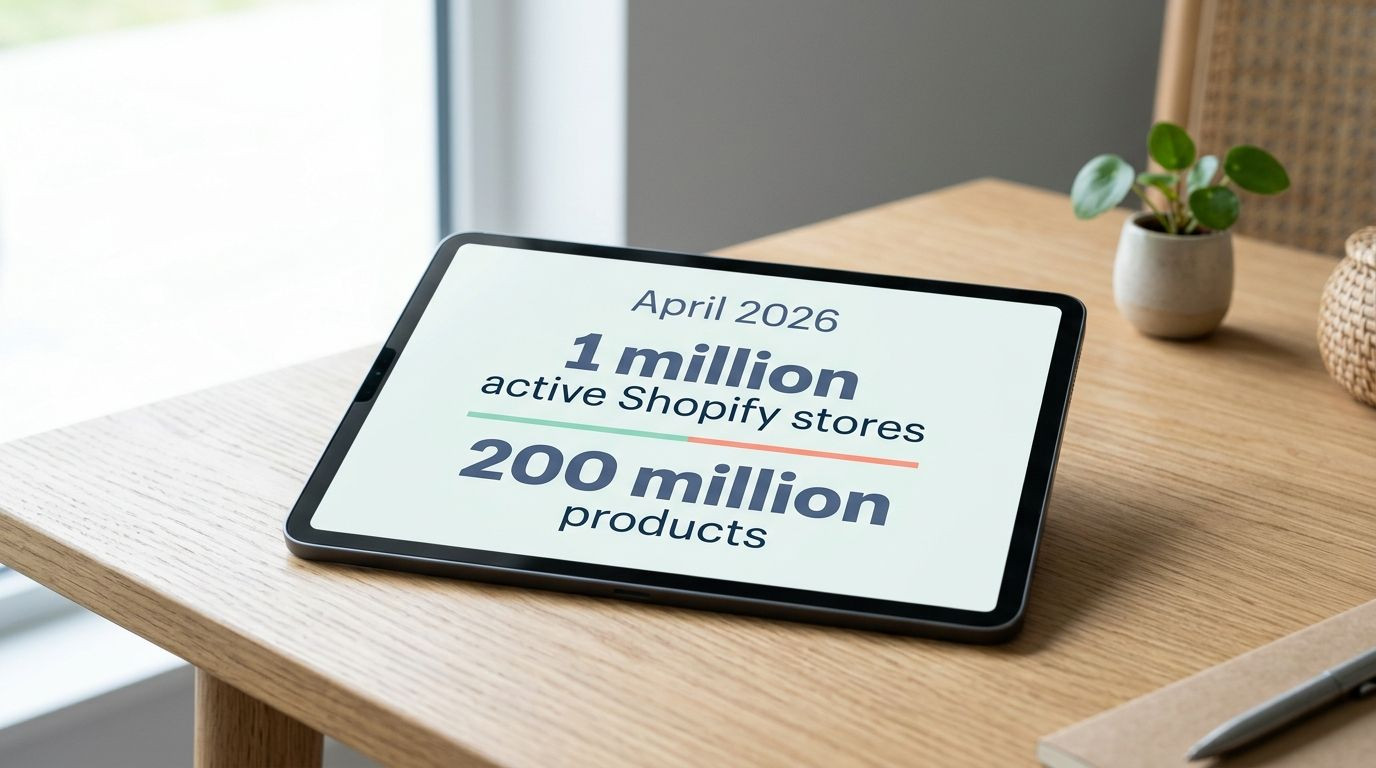
As of April 2026, PPSpy says it tracks more than 1 million active Shopify stores and over 200 million products, which gives you a very large pool to scan before you spend a pound or dollar on testing.
In this guide, we'll walk you through the PPSpy features that matter most, where the tool genuinely helps, and where you should still double-check the numbers yourself. You'll see how to use PPSpy to spot winning products, study competitor ads, and read store traffic with more confidence.
 Keep updated, follow The Business Standard's Google news channel
Key features of PPSpy
PPSpy works best as a central research hub for Shopify dropshipping. Instead of jumping between separate tools for product discovery, sales tracker data, ad research, theme detection, and traffic source checks, you can do most of that store analysis in one dashboard.

|
PPSpy feature |
What it shows |
Why it helps |
|
Product research |
Best-selling products, newer items, price filters, category filters, and one-product store examples |
You can build a shortlist of products with visible demand instead of guessing from trends alone |
|
Sales tracker |
Estimated live sales, hourly revenue, sale time, product history, and 15-day reports |
You can see whether a store looks active before you spend time copying its offer |
|
Traffic research |
Traffic source clues, paid platform signals, language, region, apps, themes, and pixels |
You can tell if growth is coming from ads, search, email, or a mix of channels |
|
Chrome extension |
On-page store details while you browse a Shopify website |
You can inspect a competitor quickly without leaving the storefront |
AI-powered product research
The product research side is where PPSpy feels most useful for beginners and busy store owners. The official platform highlights a database of more than 200 million Shopify products, plus filters for keyword, price range, and category, so you can narrow a broad niche into a list you can actually test.
It also leans hard into one-product stores. PPSpy says it tracks more than 30,000 of them, and that matters because single-product shops often make the offer, landing page, and creative angle much clearer than a large catalogue store.
- Use monthly sales and monthly revenue as a first filter, not the final answer.
- Open the product page and study the images, bundle structure, and headline before you copy anything.
- Check whether the same item appears across several stores, because repeated appearance usually signals demand, not a one-off fluke.
- Pair PPSpy with TikTok Creative Center and Meta Ad Library to see whether the product also has active creative momentum.
A good rule is simple: do not call something a reliable product until the product page, the ad angle, and the store setup all line up. That extra check saves you from chasing a trending product that looks exciting in a chart but weak on the actual page.
Competitor sales tracking
The sales tracker is the feature most people notice first. PPSpy shows sale time, product, price, currently sold products, revenue per hour, and a 15-day report, which gives you a faster read on whether a Shopify store looks alive or stale.

On PPSpy's own sales-tracker pages, the company says its monitoring can reach 80.5% accuracy and less than 20% margin of error. Use that as a directional signal, not as proof of real orders, because independent 2026 hands-on reviews were far more cautious and found that some revenue estimates looked inflated on certain stores.
Treat estimated sales as a shortlist tool, not a bookkeeping tool. If a store looks promising, validate it with ads, traffic clues, product freshness, and app signals before you copy the offer.
- Check the 24-hour view first, because it tells you whether the store has current movement.
- Use the 15-day report to spot steadier sellers, not just sudden spikes.
- Compare average price and product mix, because a store with many low-ticket sales behaves very differently from one pushing bundles.
- Look for fresh launches alongside sales activity, because stores that keep adding products often test aggressively.
This is also where PPSpy becomes more than a basic spy tool. If you compare sales estimates with theme quality, app stack, and ad activity, you get a much sharper picture of how a competitor is really operating.
Traffic source analysis
Traffic source analysis is the part that turns raw data into a marketing strategy. PPSpy lets you filter stores by revenue, search volume, keywords, region, language, installed apps, installed pixel, and Shopify theme, which helps you find shops that actually match your business model.
That matters because traffic tells you how a store wins. A shop getting visits from search and email often has a different offer and customer journey from one leaning on TikTok, Facebook ads, Pinterest ads, or Snapchat campaigns.
|
Traffic clue |
What it usually means |
What you should do next |
|
Heavy paid social signals |
The store is buying attention fast |
Study the ad creatives, hooks, and landing-page speed before you test a similar angle |
|
SEO and search-led visits |
The store may rely on content, long-tail keywords, and stronger product pages |
Look at collection pages, blog content, and product titles for patterns you can adapt |
|
Email and returning visitor signals |
The store may have better retention and repeat purchase systems |
Check for bundles, subscriptions, pop-ups, and review apps |
|
Multiple pixels and ad platforms |
The brand is likely testing several paid channels at once |
Use that as a sign of serious ad investment, then inspect active creatives manually |
Shopify uses pixels to collect customer events such as page views, add-to-cart actions, and purchases, so pixel detection gives you a practical clue about how seriously a store tracks performance. Meta's public Ad Library is useful here too, though it mainly shows active ads, so a blank result does not always mean a store has stopped advertising.
Benefits of using PPSpy for dropshipping
The biggest benefit of PPSpy is speed. On the current pricing page for the US market, PPSpy lists Standard at $39 a month, Pro at $99, and Business at $299, with annual billing marked 30% lower, so you can weigh the tool against the time it saves you in product research and competitor analysis. The same page says you can start a trial with no card, cancel from the subscription area, and should not expect refunds, which is worth knowing before you subscribe.
|
Plan |
Monthly price |
Best fit |
|
Standard |
$39 |
Solo sellers who want core Shopify analytics and lighter tracking |
|
Pro |
$99 |
Growing ecommerce teams that need more trackers and higher monthly credits |
|
Business |
$299 |
Larger teams that monitor many stores and export data at scale |
Identifying winning products
If your main goal is to find winning products, PPSpy gives you more than a random feed of hot items. You can sort by monthly sales, monthly revenue, newly added products, best-selling products, and one-product stores, which makes it easier to separate proven demand from short-lived noise.
The smarter move is to use PPSpy as a filter, then score each product like a buyer, not a browser. Look for an offer that solves one clear problem, has obvious visual appeal, and appears in more than one successful Shopify store.
- Check whether the product has a strong first image and a simple explanation.
- Look for repeat ad angles across TikTok and Facebook, because repeated messaging often signals a working hook.
- Inspect the store theme and installed apps, because serious sellers usually invest in reviews, upsells, email capture, and tracking.
- Watch whether the product is still being promoted after several days, because staying power matters more than a one-day spike.
In practice, that is where PPSpy provides real value for dropshipping. It helps you move from "that looks interesting" to "this store, this offer, and this creative pattern are all worth testing".
Streamlining market research
Market research gets faster when you stop treating products, stores, and ads as separate jobs. PPSpy brings them together, so you can start with a product, jump into the competitor's Shopify store, inspect traffic source signals, and then review the ads without rebuilding your notes from scratch.
As of April 2026, the Chrome Web Store listing shows 100,000 users, a 3.9 out of 5 rating from 120 ratings, version 1.6.7, and a last update on 24 June 2025. That tells you the chrome extension has real reach, but it is still wise to test it on a handful of Shopify websites before you rely on it for daily store tracking.
- Start with a niche keyword and filter stores by revenue, traffic, or product tags.
- Open the strongest-looking store and use the extension for a quick read on theme, apps, pixels, and best-selling Shopify product patterns.
- Move to the sales tracker and traffic views to see whether the store still shows active movement.
- Finish in the ad library and save only the creatives that match the product angle you want to test.
This workflow is much cleaner than doing market research from memory. It also helps you make informed decisions faster, because each step answers a different question: what is selling, who is selling it well, where the traffic comes from, and what creative is pulling people in.
Final words
PPSpy can make dropshipping research much faster, especially if you use its product database, sales tracker, and store analytics to narrow your options quickly.
Use PPSpy to spot patterns, then verify the best ideas with live ads, traffic source clues, and the store setup you can see for yourself. That gives you a far better shot at picking winning products without building your whole strategy on guesswork


